
Mobile Device Management That Keeps Company Data Safe
Your team’s phones and tablets hold company email, files, and logins — and they leave the office every day. NuxeTech’s mobile device management (MDM) secures and manages every device centrally, so a lost phone never becomes a lost-data disaster.

100%
Of Devices Under Policy
Remote Wipe
In Minutes, Not Days
iOS + Android
Both Platforms Covered
24/7
Policy Monitoring
THE BASICS
What Is Mobile Device Management?
Mobile device management (MDM) is a service that lets a business secure, configure, and monitor the smartphones and tablets its people use for work — from one central dashboard. Policies, apps, updates, and security settings are pushed to every device automatically, and a lost or stolen device can be locked or wiped remotely within minutes.
Whether your company issues the phones or your team uses their own, MDM draws a clean line around company data — protecting the business without spying on personal photos, messages, or apps.
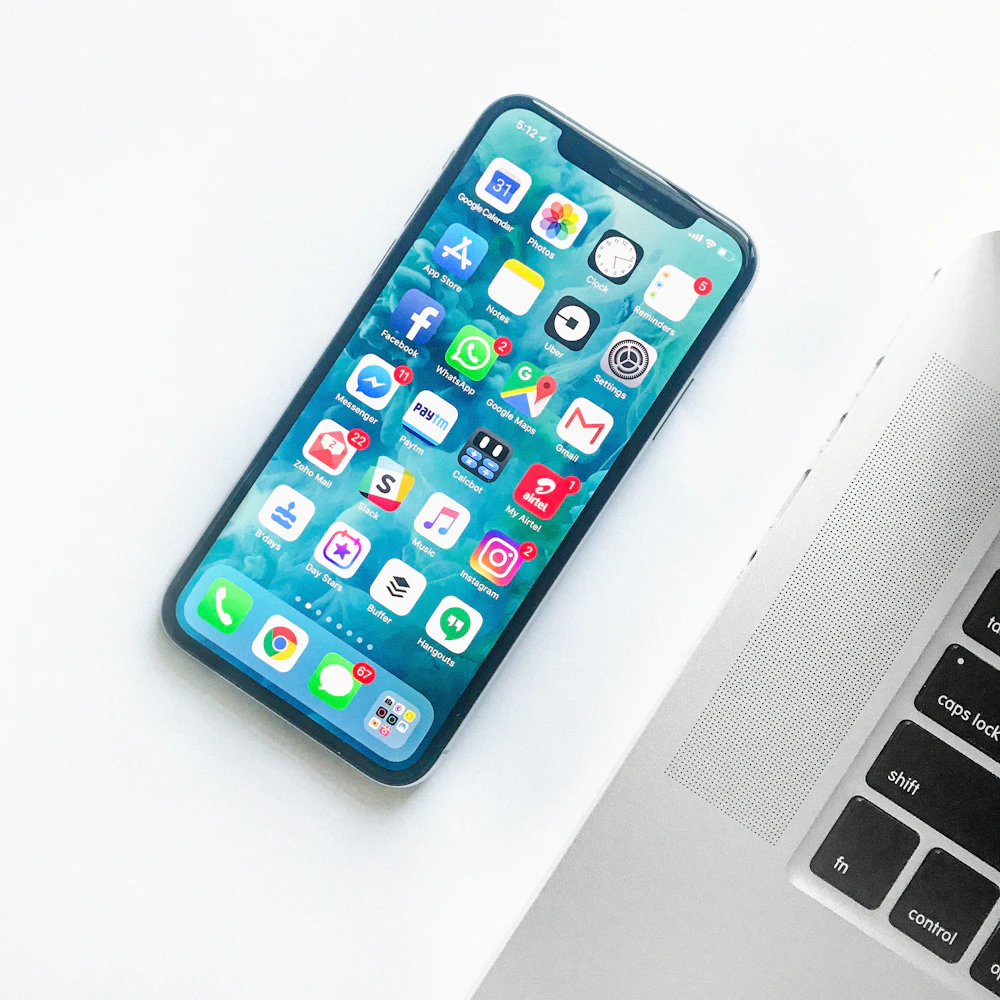
Lost Phone? Wiped in Minutes
Lock, locate, or erase a missing device before its data becomes your problem.
Policies Applied Automatically
Passcodes, encryption, and Wi-Fi set themselves — no manual setup per phone.
Work Data Stays Separate
Company apps and files live in a managed work profile; personal life stays personal.

Company Phones or BYOD — Both Covered
Company-owned devices get full management: approved apps, blocked distractions, and complete control if the device disappears. Personal devices under BYOD get a lighter touch — only the work apps and data are managed, and only those are wiped if someone leaves.
Your team keeps the phones they like; your business keeps control of its data.
WHAT’S INCLUDED
Everything Your Mobile Fleet Needs
Six services that take your phones and tablets from scattered to managed.
Device Enrollment & Setup
New devices are configured before they reach the employee — apps, email, Wi-Fi, and security ready out of the box.
Security Policies & Enforcement
Passcodes, encryption, screen locks, and jailbreak detection enforced on every device, automatically.
App Management
Approved business apps installed and updated centrally; risky apps blocked before they become incidents.
Remote Lock & Wipe
Lost or stolen devices locked, located, or erased remotely — company data never walks away.
OS & Patch Updates
Operating-system and app updates scheduled and verified, closing the holes attackers look for.
Compliance Reporting
A live inventory of every device, its owner, and its compliance status — audit-ready at any time.
From Lost Phones to Non-Events
Without MDM, a lost phone means panicked password changes and hoping for the best. With MDM, one call locks the device, wipes company data, and your audit trail shows exactly what happened — the incident becomes paperwork, not a breach.

CHOOSE YOUR MODEL
MDM Alone, or Part of Managed IT?
Both secure your devices the same way — the difference is everything around them.
Standalone MDM
Best for: businesses that only need device control.
MDM + Managed IT
Best for: one partner for everything.
WHY IT MATTERS
Why Businesses Manage Their Mobile Devices
Phones Hold the Keys
Email, files, banking apps, and MFA codes live on phones. An unsecured phone is an open door.
Devices Get Lost
Phones are left in taxis, job sites, and airports every day. The question is whether your data goes with them.
Setup Drift Is Real
Without central management, every phone ends up configured differently — and half of them unpatched.
Employees Leave
When someone exits, their phone still has your data. MDM makes offboarding instant and provable.
GETTING STARTED
How Mobile Device Management Works
From scattered phones to a managed fleet in four steps.
01 — Device Inventory
We catalog every phone and tablet touching company data — owned, personal, and forgotten.
02 — Policy Design
Together we set the rules: security, apps, and what happens when a device is lost or an employee leaves.
03 — Enrollment
Devices are enrolled in batches with zero fuss for your team — most in under fifteen minutes each.
04 — Manage & Report
We monitor compliance, push updates, and report monthly — and handle every lost-device call.
PRICING
Straightforward MDM Pricing
One flat monthly rate per device — no per-incident fees when a phone goes missing at the worst possible moment. Your exact quote follows a free consultation, because honest pricing starts with knowing your fleet.
FAQS
Frequently Asked Questions About Mobile Device Management
Yes. On personal devices we manage only the work profile — business apps, email, and data. Personal photos, messages, and apps are never visible to us and never wiped.
Call us and we lock the device immediately, try to locate it, and wipe company data if it can’t be recovered — usually within minutes of your call.
iPhones, iPads, and Android phones and tablets — company-owned or employee-owned — all managed from one dashboard.
No. Policies run quietly in the background. Your team uses their phones exactly as before — the difference shows up only when something goes wrong.
We remove company access and wipe work data the same day — on company devices a full reset, on personal phones only the work profile.
Per device, at one flat monthly rate. Your free consultation ends with an exact count and quote for your fleet.
KEEP EXPLORING
Related Services

Managed IT Services
Your complete IT department for one flat monthly fee — monitoring, help desk, and strategy included.

Help Desk Support
Real technicians your staff can call, email, or chat — most issues resolved the same day.

Cloud Security Services
Your cloud apps and data protected with the right access controls, monitoring, and encryption.
A Lost Phone Should Never Mean Lost Data.
Start with a free consultation — we’ll inventory your devices and show you exactly what’s exposed today.